Efficiently create, edit, convert, secure, and collaborate on PDF documents

| Name | Soda PDF Desktop Pro |
|---|---|
| Publisher | LULU Software |
| Genre | Office & PDF |
| Size | 453.00 MB |
| Version | 14.0.538.23117 |
| Update | December 29, 2025 |
| Full Version |
Screenshots
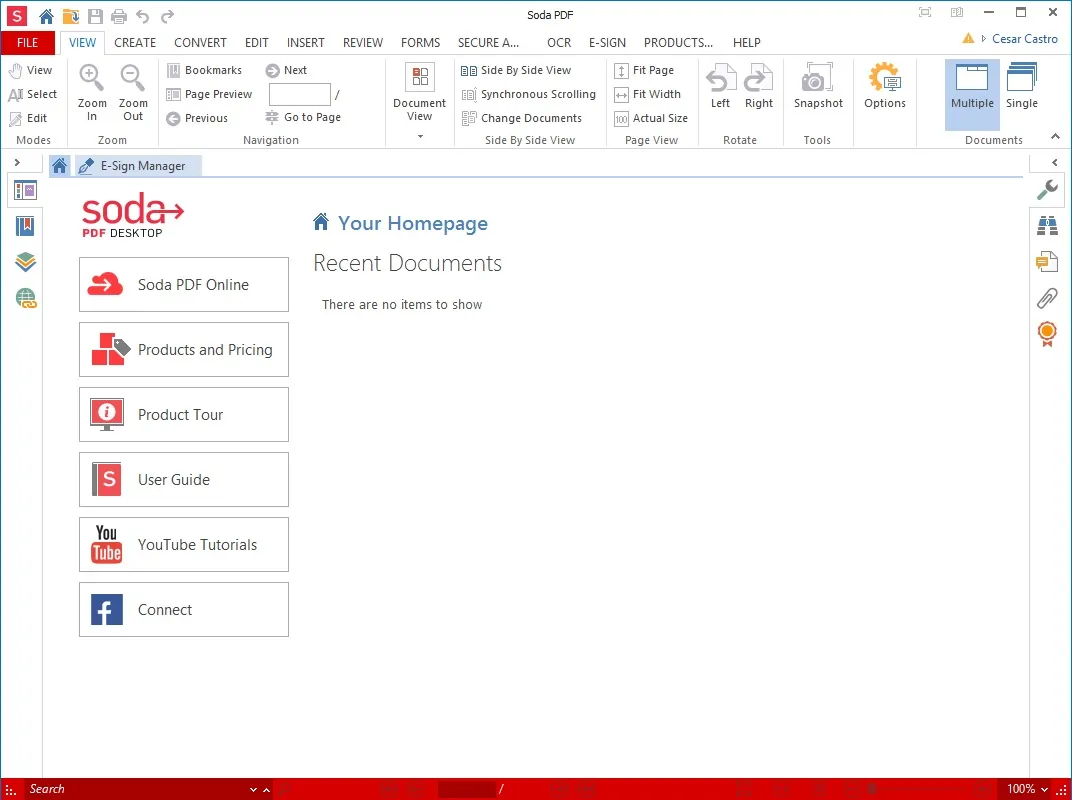
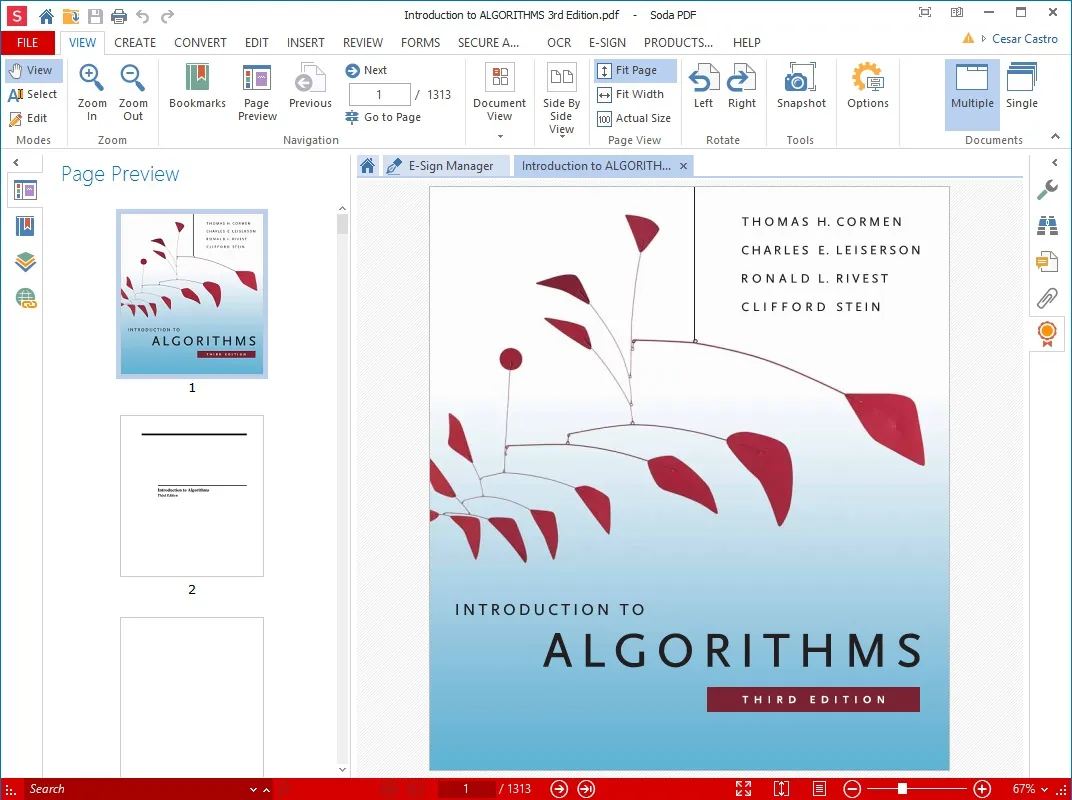
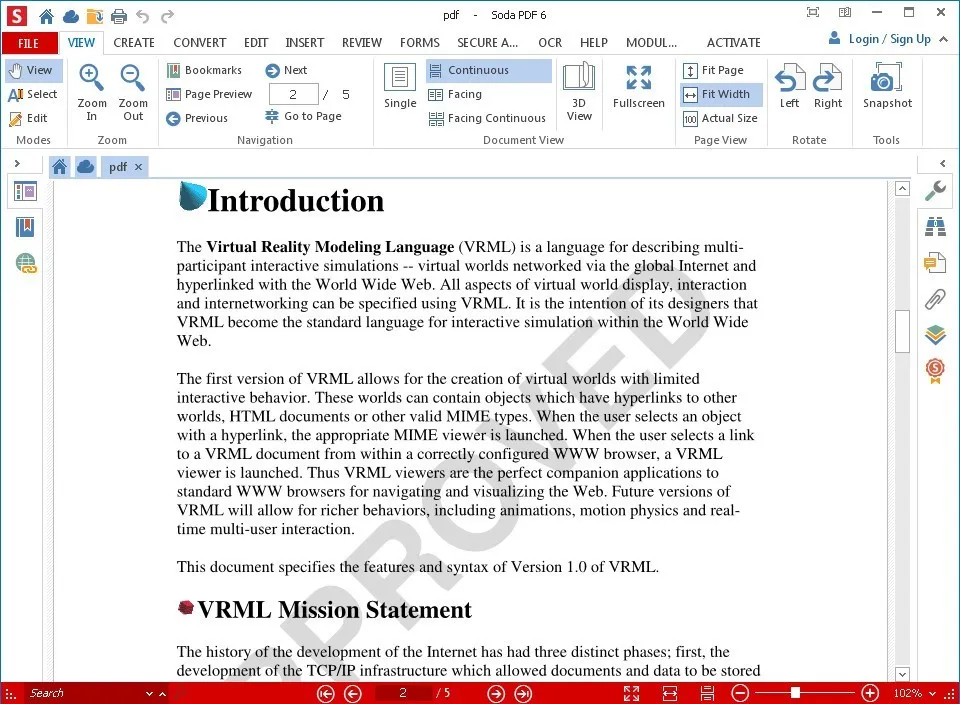
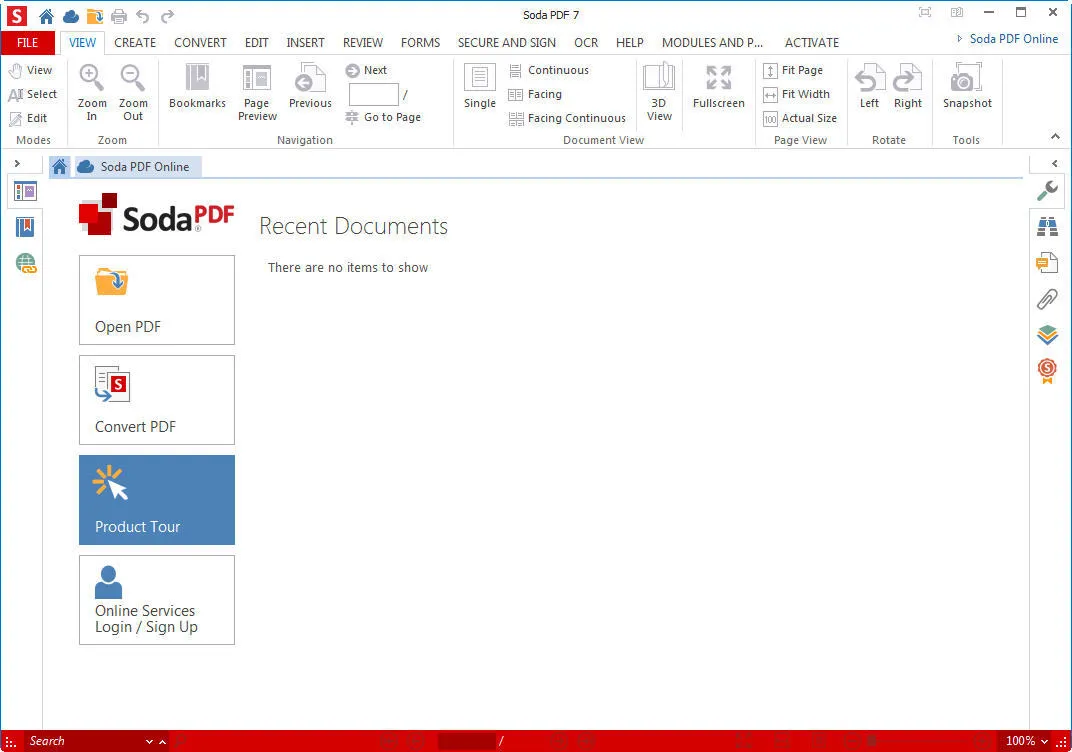
Soda PDF Desktop Pro efficiently handles all your PDF needs, offering tools for creating, editing, converting, and reviewing PDF documents. Developed by LULU Software, this application aims to provide individuals and businesses with a robust, user-friendly platform that simplifies document management while maintaining high-quality output. Its intuitive interface allows users to quickly access features without a learning curve.
The Full version of Soda PDF Desktop Pro increases productivity by offering additional features such as batch processing, advanced form creation, and cloud integration. It supports seamless collaboration and allows multiple users to review and comment on documents in real time. With this release, businesses can streamline their PDF workflows while ensuring data security and professional document presentation.
Soda PDF Desktop Pro Introduction
Soda PDF Desktop Pro is a comprehensive PDF solution that combines advanced features with ease of use. It allows users to mark up, merge, split, and secure PDF files with password protection and digital signatures. The software also integrates OCR (Optical Character Recognition) technology, allowing users to convert scanned documents into editable and searchable files, making document workflows more efficient.
Comprehensive PDF Creation and Conversion Tools
Soda PDF Desktop Pro allows users to create PDF files from scratch or convert documents from popular formats such as Word, Excel, PowerPoint, and images. The software allows users to preserve formatting during conversion, saving time and reducing errors. Users can convert PDF files to editable formats, providing flexibility in document management. This feature is essential for businesses and professionals who frequently exchange files and need a reliable tool for consistent, high-quality output.
Advanced Editing and Markup Tools
Users can easily edit text, images, and page layouts in PDF documents with Soda PDF Desktop Pro. The software includes tools for highlighting, underlining, adding comments, and drawing icons, making collaboration seamless. Whether you’re reviewing a report or a contract, these markup features improve efficiency and clarity. The intuitive interface allows both novice and experienced users to make detailed edits and improve the quality of documents without the need for complex design software.
Secure and Protected Documents
Soda PDF Desktop Pro provides robust security features to protect sensitive information. Users can add passwords, encryption, and digital signatures to ensure that only authorized people can access or modify documents. In addition, it supports editing and allows you to permanently delete confidential information before sharing. These security measures are essential for businesses that handle financial, legal, and personal information, and allow users to be confident that their PDF files are secure and compliant with industry standards.
Optical Character Recognition (OCR) Technology
With built-in OCR, Soda PDF Desktop Pro can convert scanned or image-based documents into editable and searchable text. This feature eliminates the need to retype information, saving significant time and effort. Users can extract specific content, edit, and integrate scanned materials into existing workflows. OCR allows even paper-based documents to be efficiently digitized and used, bridging the gap between physical and digital documents for personal and professional use.
Batch Processing and Automation
The Pro version supports batch processing, allowing users to convert, merge, or secure multiple PDF files at once. This automation dramatically reduces repetitive tasks and improves productivity on large projects. Users can also create customized workflows using consistent settings across multiple documents. These features are especially useful for organizations with large amounts of paperwork, helping to keep document processing streamlined, efficient, and less prone to human error.
Collaboration and Cloud Integration
Soda PDF Desktop Pro facilitates seamless collaboration by allowing multiple users to review, comment, and annotate documents in real time. It also integrates with popular cloud storage services, allowing users to access PDF files from anywhere, on any device. This combination of collaboration and mobility allows teams to work effectively together in the office or remotely. Combining cloud services with advanced editing tools, Soda PDF Desktop Pro offers a flexible and modern solution for managing professional documents.
Soda PDF Desktop Pro Requirements
| Operating System | : Windows All (32-bit, 64-bit) |
| CPU (Processor) | : Dual-core 1.5 GHz or faster |
| RAM (Memory) | : 1 GB RAM (recommended 2 GB) |
| Free Disk Space | : At least 200 MB of free space |
Related posts:


Report

