Create high-resolution PDF files from multiple file formats Word/Excel/PowerPoint

| Name | PDF Suite Pro+OCR |
|---|---|
| Publisher | pdf-suite |
| Genre | Office & PDF |
| Size | 243.00 MB |
| Version | 20.0.36.21543 |
| Update | December 3, 2025 |
| Full Version |
Screenshots
Explore this article
PDF Suite Pro IntroductionComprehensive PDF Editing FeaturesAdvanced Document Conversion ToolsPowerful Markup and Reviewing FeaturesStrong security and protection optionsReliable file organization and managementBoost Productivity with Pro-Level ToolsPDF Suite Pro Key FeaturesPDF Suite Pro Requirements
PDF Suite Pro simplifies everyday document tasks by offering simple yet powerful tools to manage and enhance PDF files. Developed by pdf-suite, this software is designed to help users manage their digital paperwork more efficiently, whether they are working in the office, studying, or running a business.
The Pro version of PDF Suite Pro expands its capabilities with advanced features for demanding users. These include improved conversion accuracy, stronger security tools, improved editing controls, and optimized performance for large documents. This makes it a solid choice for users who require a more comprehensive and efficient PDF management experience.
PDF Suite Pro Introduction
PDF Suite Pro is a complete PDF solution that easily supports file creation, editing, markup, merging, and security. It provides a user-friendly environment that allows beginners and professionals to work seamlessly. The software is designed to support a wide range of workflows, from modifying text and images to applying digital signatures or compressing large files for sharing. It combines essential tools into a single interface, making it easy to edit, convert, and organize documents without having to switch between multiple apps.
Comprehensive PDF Editing Features
PDF Suite Pro provides users with a full range of editing tools to precisely and easily modify PDF files. Users can update text, adjust fonts, replace images, and rearrange elements of their documents directly. This eliminates the need to go back to the original source file to make corrections. PDF Suite Pro provides smooth workflow management for professionals, students, and everyday users who require reliable document editing functionality.
Advanced Document Conversion Tools
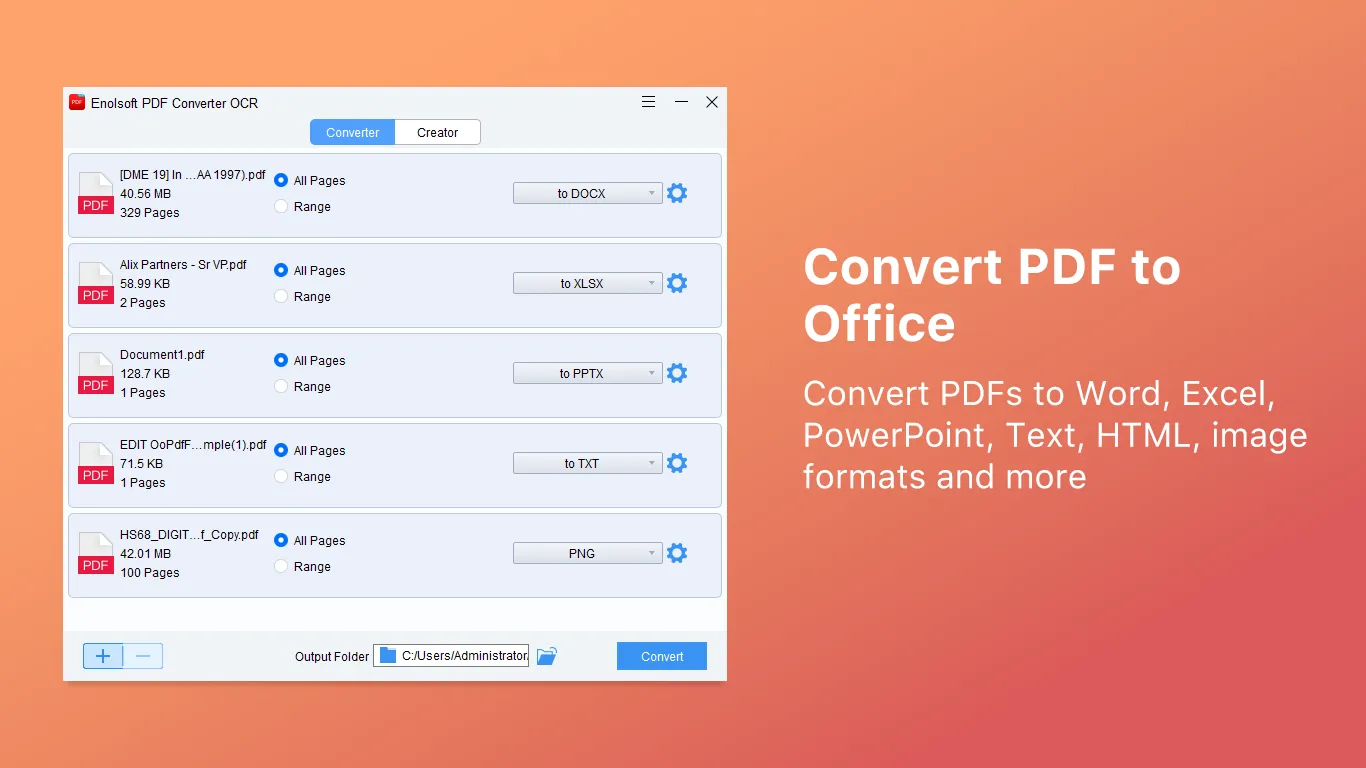
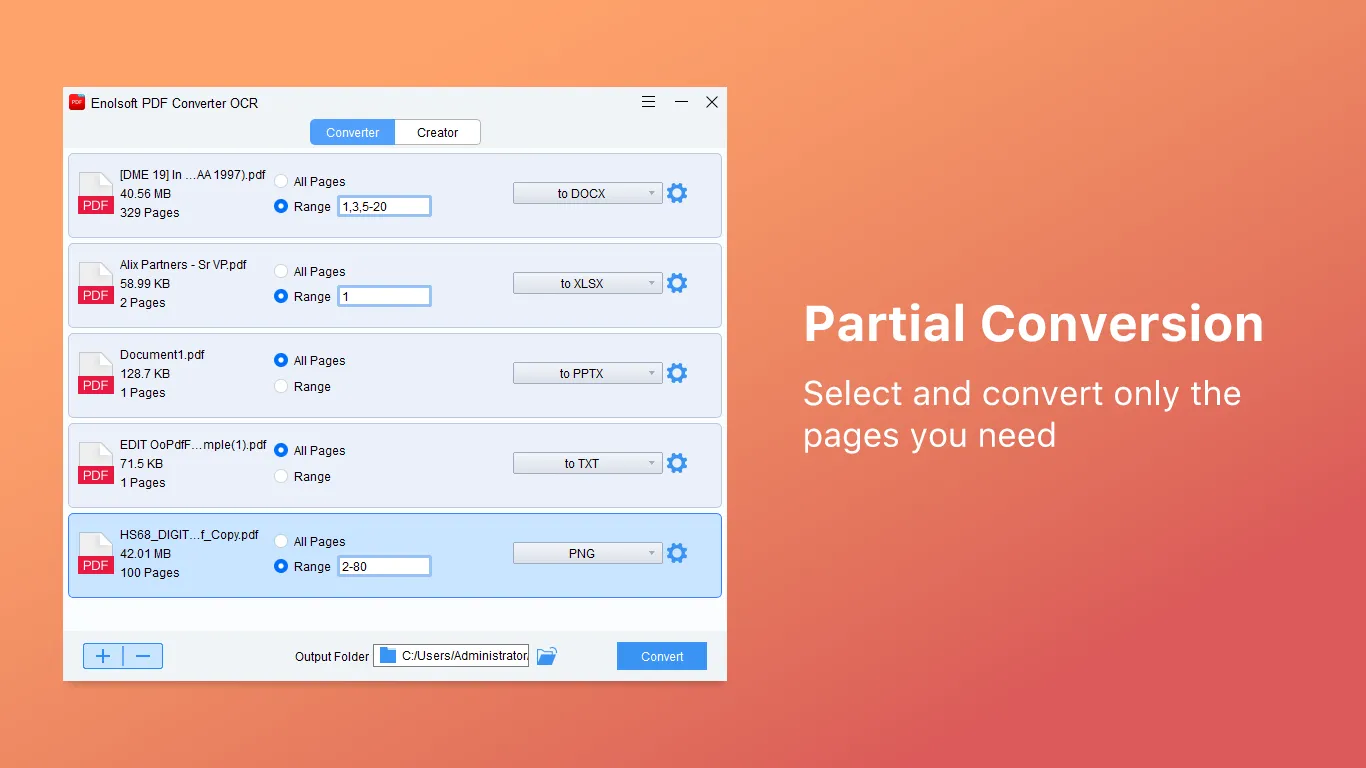
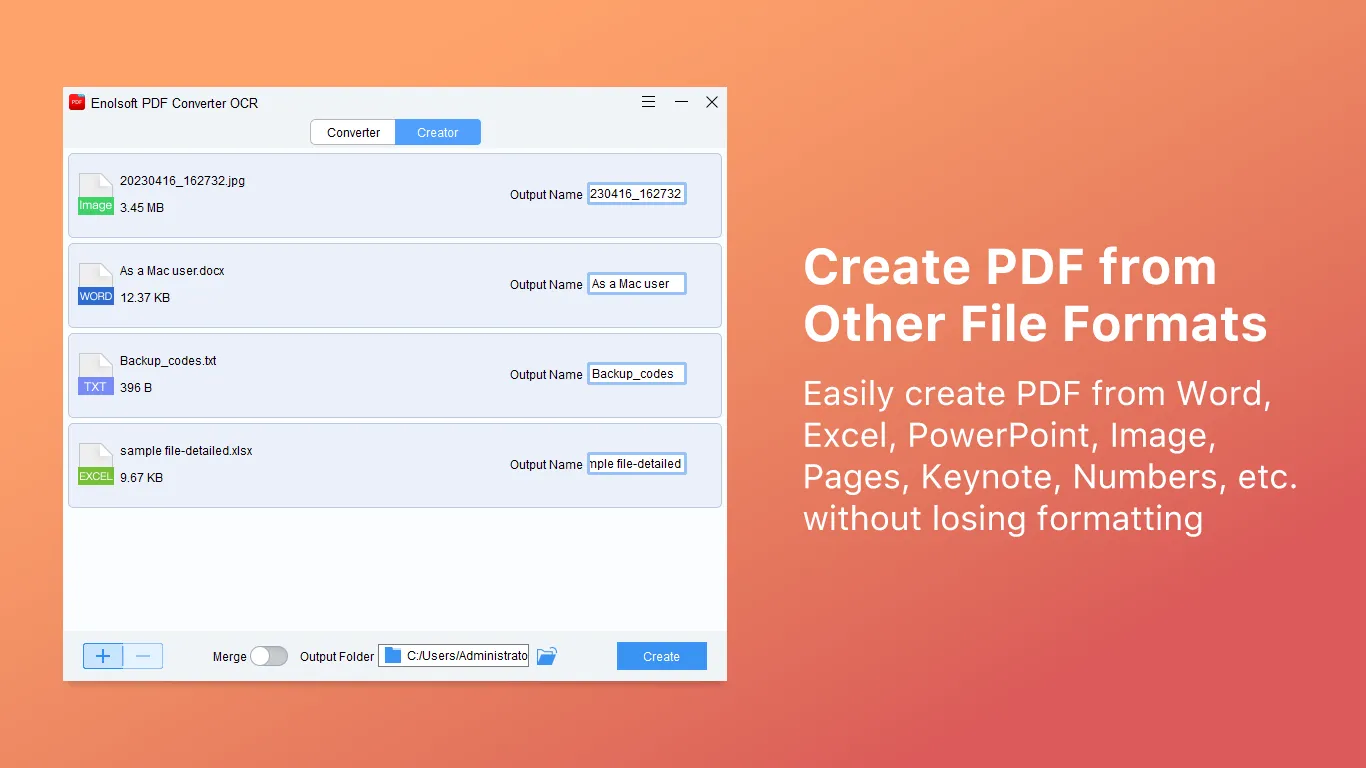
PDF Suite Pro includes advanced conversion features that allow users to convert PDF files to various formats such as Word, Excel, PowerPoint, and image types. The software ensures high conversion accuracy to preserve organization, formatting, and visual quality. Users can also convert other file formats to PDF with a single click. This extensive conversion support helps simplify tasks such as data editing, content reuse, and efficient cross-platform document management.
Powerful Markup and Reviewing Features
The software supports a rich collection of markup tools that enhance collaboration and document review. Users can highlight key points, add sticky notes, underline text, and format text to draw attention to specific sections. These tools are especially useful for teams working on collaborative projects or for individuals reviewing academic or professional materials. PDF Suite Pro makes it easy to communicate ideas and feedback directly within documents, streamlining group workflows.
Strong security and protection options
PDF Suite Pro helps users protect sensitive documents with multiple layers of protection. It offers password encryption, permission control, editing tools, and digital signature support to ensure document confidentiality. These features are essential for businesses that handle legal, financial, and personal information. With flexible and robust security settings, the software ensures that only authorized people can access, modify, or print content, giving users complete control over document security.
Reliable file organization and management
Users can effectively manage PDF files with features such as merging, splitting, compressing, and organizing. PDF Suite Pro allows you to seamlessly reorder pages, extract specific sections, and reduce file size. These tools simplify document organization and help streamline workflows when working on large projects, multi-page reports, or large documents. With its versatile management capabilities, users can maintain clear, structured digital document libraries.
Boost Productivity with Pro-Level Tools
The Pro version of PDF Suite introduces additional features designed to maximize productivity and document efficiency. Users benefit from faster processing speeds, improved text recognition, and more accurate conversions. Advanced editing tools and automation options support the needs of large-scale tasks and professional documents. These enhancements make PDF Suite Pro a powerful solution for users looking for a complete, performance-oriented PDF platform that can support both everyday tasks and complex digital document workflows.
PDF Suite Pro Key Features
Full text and image editing of PDF files
Convert high-resolution PDF to Word/Excel/PowerPoint
Create a PDF from multiple file formats
Advanced markup tools for document control
Secure password protection and encryption
Digital signature support for file authentication
Editing tools to remove confidential information
Merge, split, extract, and rearrange PDF pages
Compress files to reduce PDF size
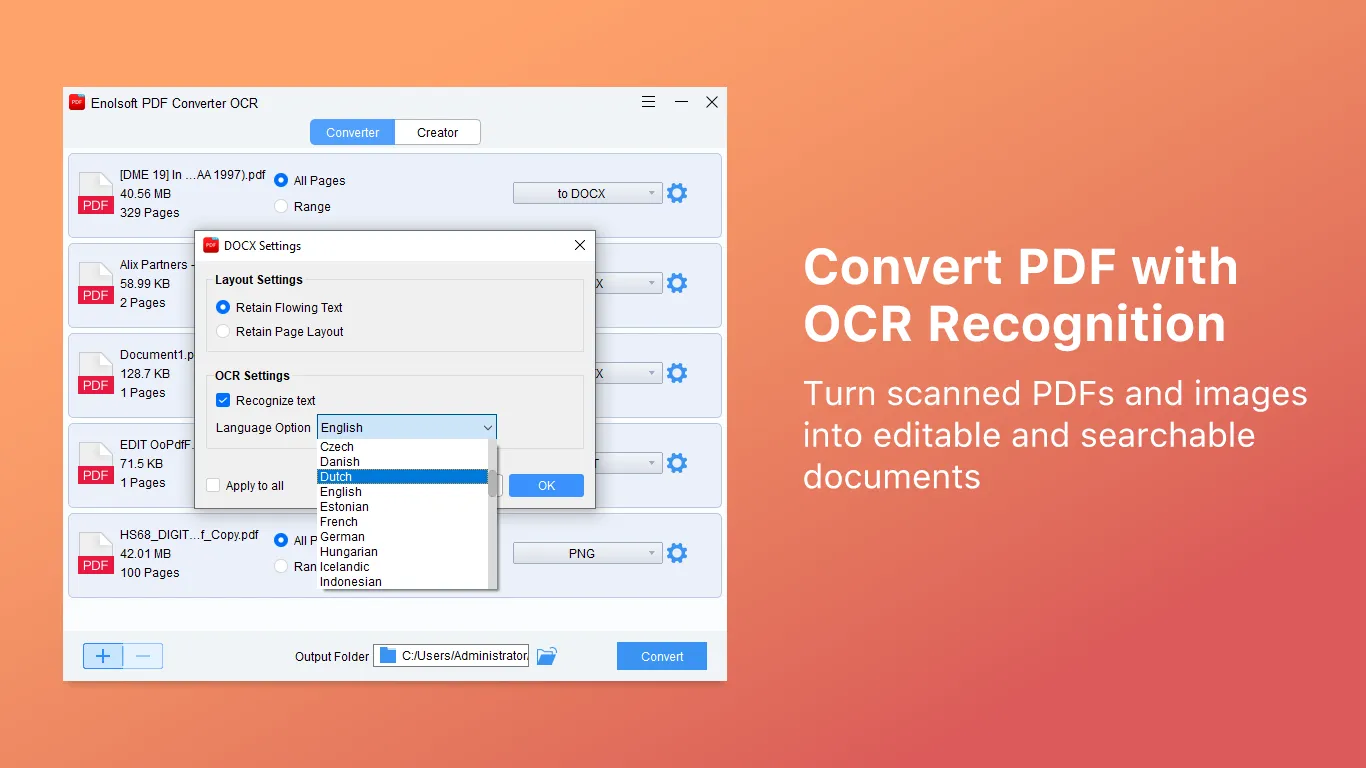
OCR (Optical Character Recognition) for scanned documents
Form creation and form-filling capabilities
Batch processing to speed up multi-file workflow
PDF Suite Pro Requirements
| Operating System | : Windows All (32-bit, 64-bit) |
| CPU (Processor) | : Dual-core 1.5 GHz or faster |
| RAM (Memory) | : 1 GB RAM (recommended 2 GB) |
| Free Disk Space | : At least 200 MB of free space |
Related posts:


Report

