Simplify offline Microsoft Office installation with flexible version and language options.

| Name | Office 2013-2024 C2R Install / Install Lite |
|---|---|
| Publisher | Ratiborus |
| Genre | Tools & Utilities |
| Size | 27.48 MB |
| Version | 7.7.7.7 r27 |
| Update | October 22, 2025 |
| Offline Installer |
Screenshots
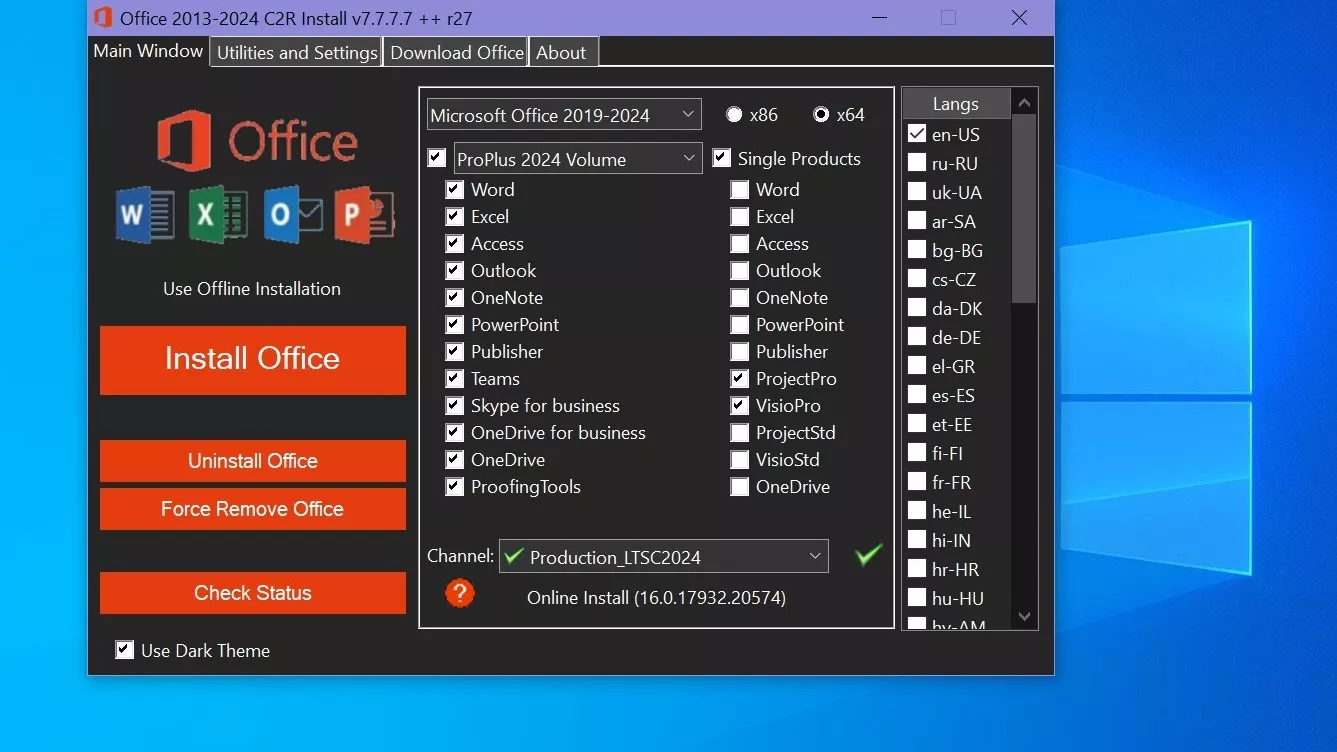
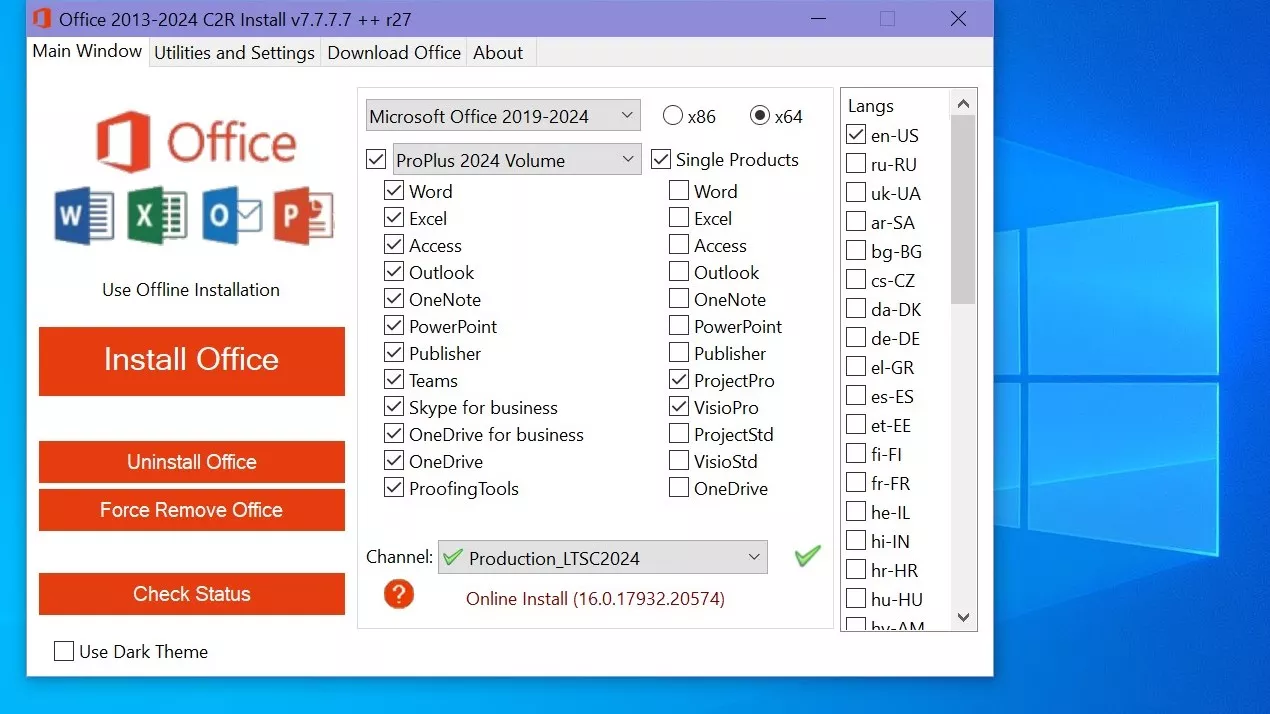
Are you looking for the Microsoft Office 2013-2024 C2R Install / Install Lite 7.7.7.7 Free Download Link for your Windows OS? Do you want to install and activate Microsoft Office 2013-2024 C2R? You are in the right place.
In this article, you can download Microsoft Office 2013-2024 for free by using the C2R Install / Install Lite version 7.7.7.7. This tool is specifically designed to help you with the smooth installation and activation of Microsoft Office on your device. You can get Office 2013-2024 C2R Install / Install Lite for Windows for free.
This software is specifically designed to simplify the online installation and activation process of Microsoft Office 2013, 2016, 2019, 2021, and 2024 C2R software. It also allows you to create a customized Office installation, enabling you to have it prepared and ready for installation whenever you are ready.
How to Use the Office C2R Installation Process
- Uninstall Office 2016 via the (Control Panel) program “Add or Remove Programs.”.
- Uninstall Office 2016 by using the “Force Remove Office” and restarting your computer.
- Keep installing Office by locating and clicking the “Install Office” button.
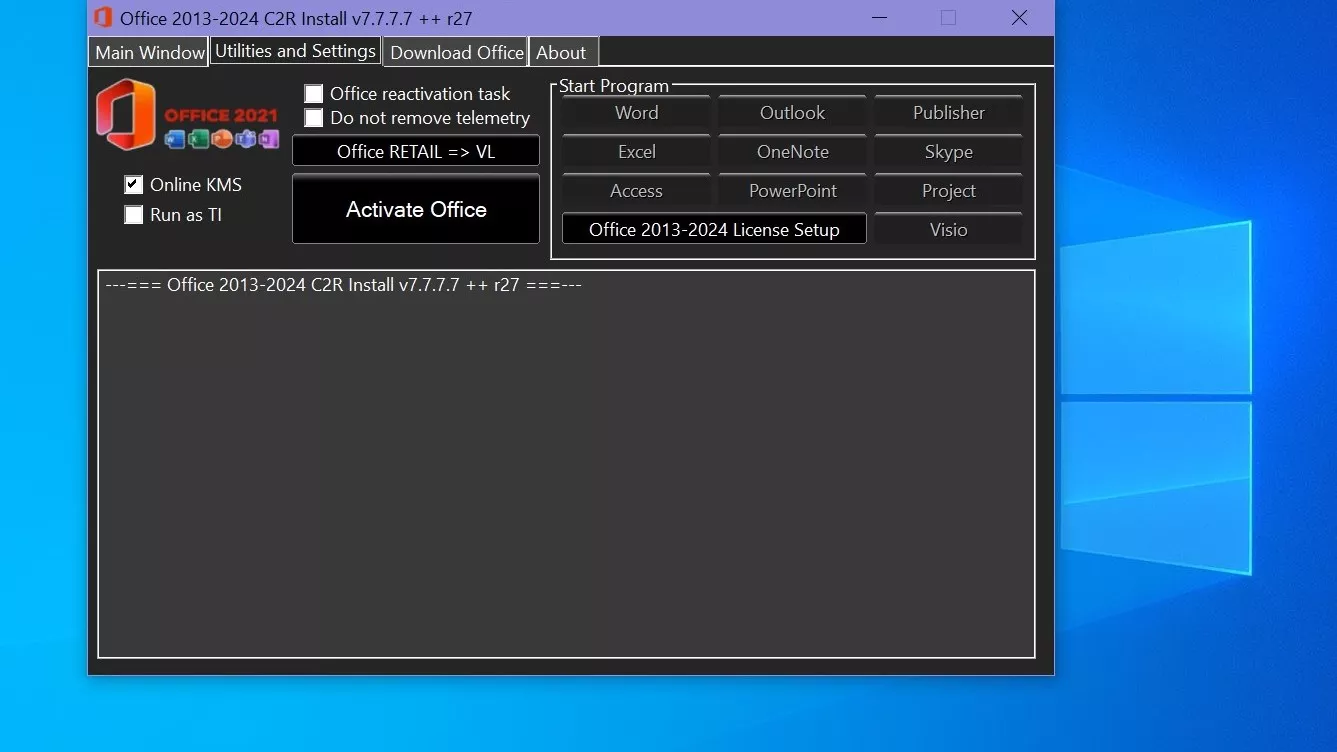
- Position the cursor on the area named “Utilities” and go ahead and perform the conversion operation that makes “Office RETAIL” become “VL”.
- You should then proceed and click the “Activate Office” button.
or - Begin by launching KMSAuto Net 2015 and then proceed by clicking the “Activate Office” button.
How to Use Bookmark Download Office
Bookmark Download Office
Bookmark Download Office is software specifically developed to make it possible to have offline installations of various versions and editions of the Microsoft Office. Bookmark Download Office software enables the user to have the flexibility of installing the product later without the requirement to fetch any extra files through external means, and this makes the installation process seamless and ensures all required files are easily accessible.
Office version download setup
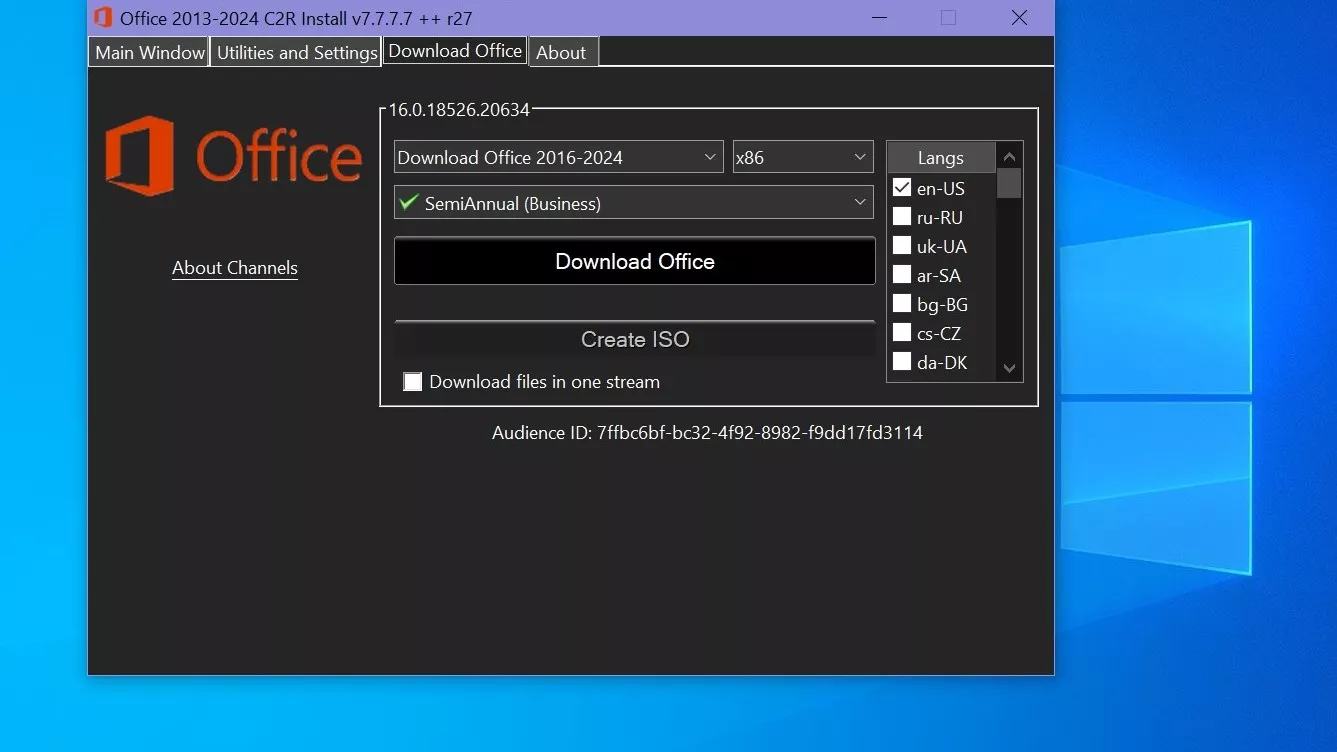
Choose the right version of Office, bi,t, and language. It makes sense to make the full x86-x64 distribution. For this, switch the tab-width to All (the lowest). Click the Download button and specify the folder for the distribution files. You may choose the folder of the previous program session in order to proceed with developing the distribution or start the new session.
Create a multilingual Office ISO
If you wish to have multilingual distribution, upon full loading of the original language, switch to the pre-Click the Download button of the executive language and use the same download folder. After all the required bits and chatter are downloaded, my recommendation would be to create an ISO image office suite. To do this, click Create ISO.
Folder-specific version restriction
Therefore, you’ll have, in the chosen folder, the ready-to-use offline installer of the chosen version of Microsoft Office. During the same session, downloading the files doesn’t involve the different MS Office 2016 and 2013 versions. You may manipulate the x86-x64 and the languages, but not the version. Use another folder mapping. Otherwise, you’ll end up with an unusable distribution.
Branch-specific build control
You can now make various branch distributions of return, additions, and corrections that have been downloaded. You are able to select the version builds. For Office 2013, branch selection does not apply. Will always download the latest build. For Office 2016, you can select the download sourceBranchnch). Button Check version has been incorporated to confirm the build number of the branch you have chosen.
In summary
Using the C2R Install/Install Lite tool and Download Bookmark Office software offers a flexible and efficient way to download, install, and activate various versions of Microsoft Office from 2013 to 2024.
These tools allow for easy management of different language packs and architectures, customized installations, and offline use. Office 2013 always downloads the latest version without choosing a branch, while Office 2016 gives you more control over build options. It is important to organize folders correctly to avoid unusable distributions.
By following the steps outlined, users can create a ready-to-use offline installer, maintain updated versions of Office, and create a reliable, offline Office setup that meets their needs. This approach saves time and improves the experience for all Office users.
Related posts:



Report

