Easily create, edit, convert, and secure PDF documents with professional-quality tools

| Name | Ashampoo PDF Pro |
|---|---|
| Publisher | Ashampoo |
| Genre | Office & PDF |
| Size | 925.00 MB |
| Version | 5.0 |
| Update | November 26, 2025 |
| Full Version |
Screenshots
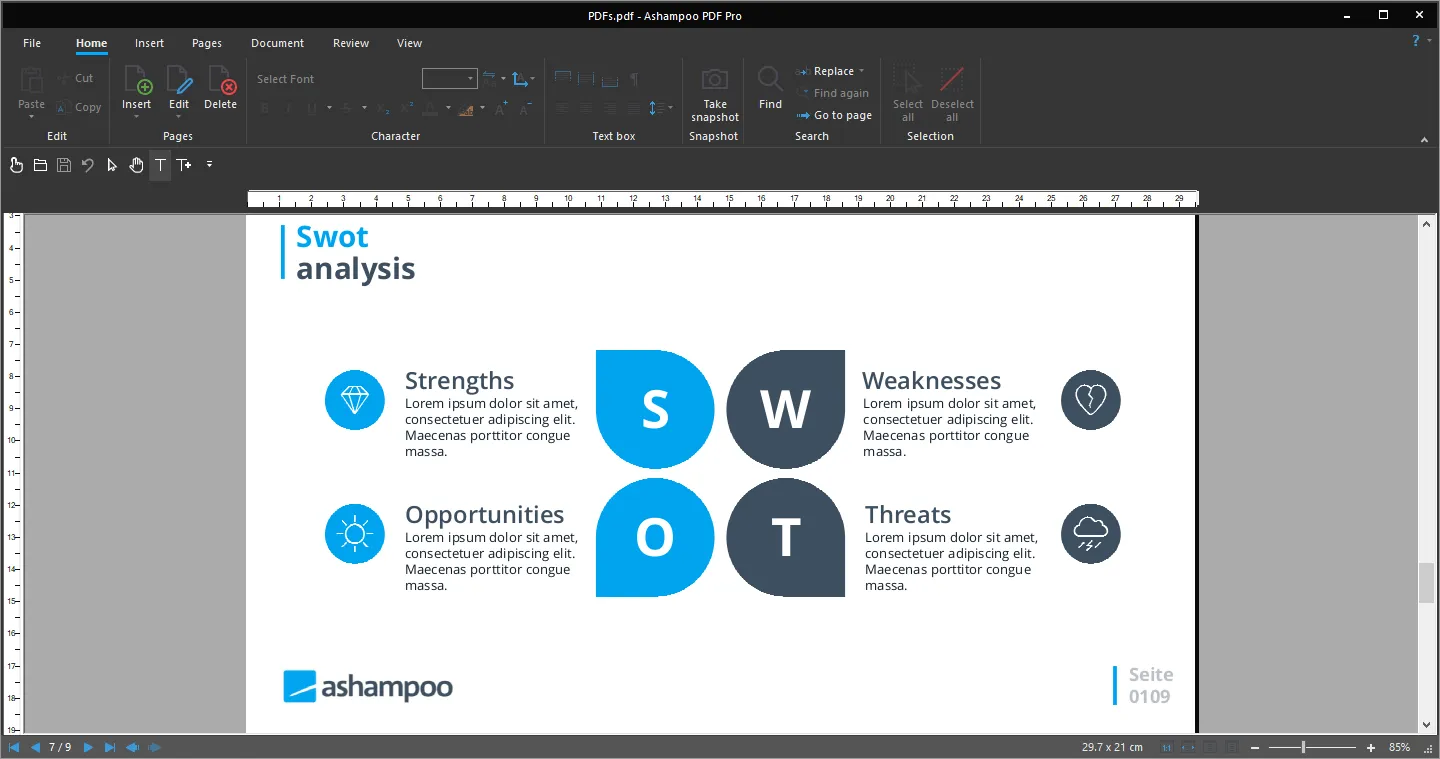
Ashampoo PDF Pro makes working with PDFs so much easier, allowing users to create, edit, and manage PDF documents with powerful yet easy-to-use features. Developed by Ashampoo GmbH, this software provides a very user-friendly experience both for professionals and everyday users.
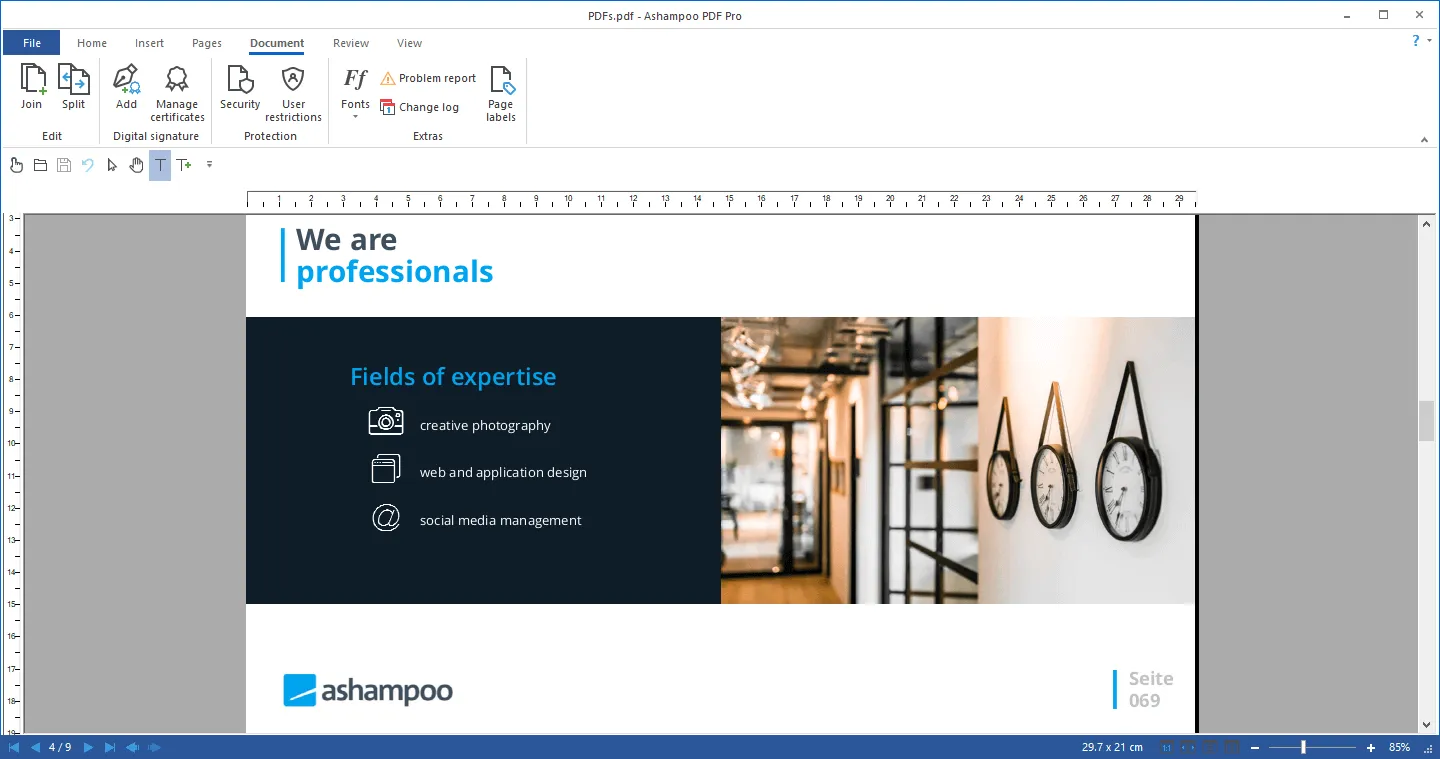
Ashampoo PDF Pro is a comprehensive PDF management suite that helps with professional editing in a word-processor-like environment. Users can edit text, images, and layouts directly within PDFs, making it ideal for editing forms, reports, or scanned content. Encryption, digital signatures, and password protection are integrated into the software to keep all documents secure.
Ashampoo PDF Pro Introduction
Ashampoo PDF Pro includes more advanced document processing, improved OCR performance, better multi-format compatibility, and improved functionality in general. It offers more document comparison, page layout, and automated form recognition options. The Pro variant keeps output quality as high as possible whenever exporting or compressing files, making the software reliable for a professional environment since it provides accurate, efficient, and secure document processing.
Full PDF creation and editing capabilities
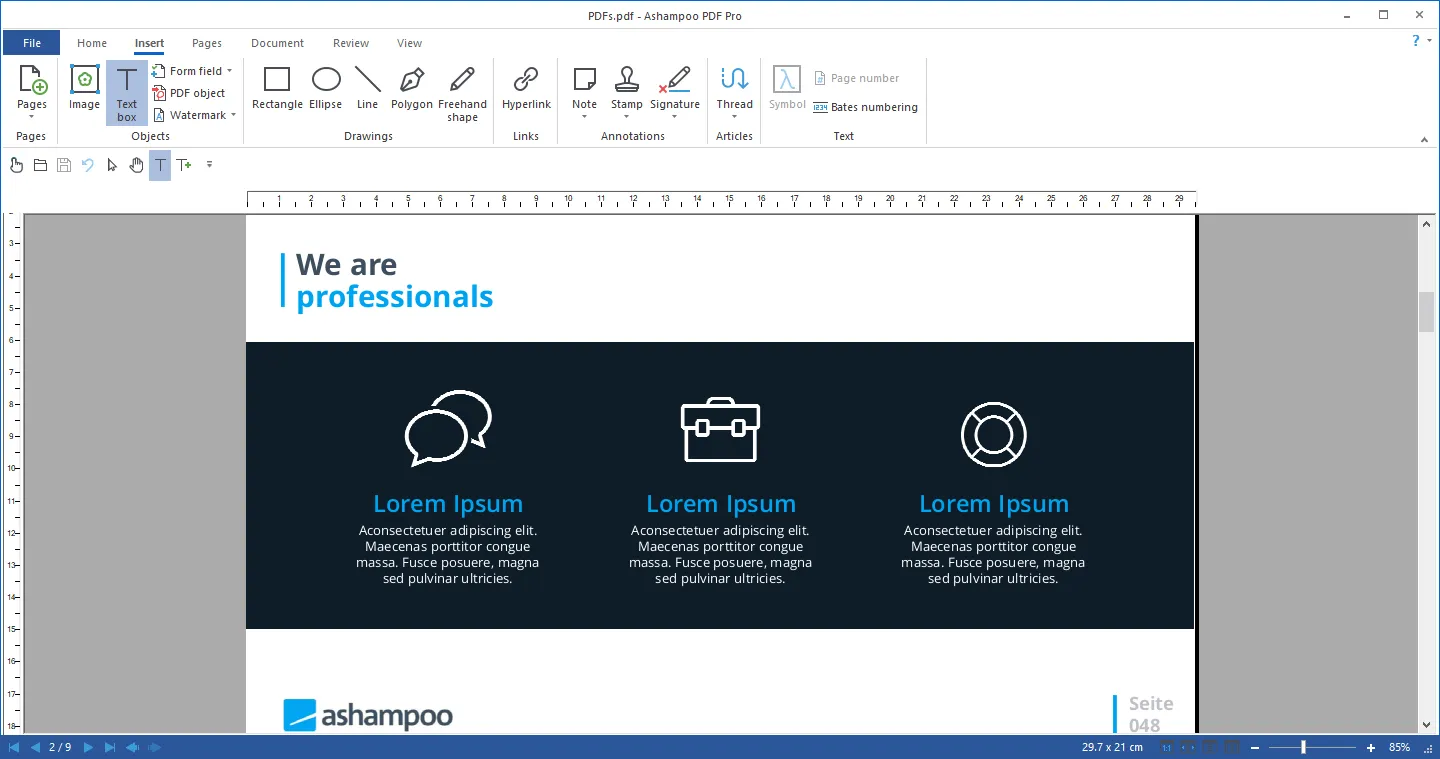
Ashampoo PDF Pro provides a comprehensive solution for the easy creation and editing of PDF documents. It gives users full control over text, images, shapes, and formatting, whether creating from scratch or editing an already existing file. It combines everything into one interface, eliminating the need for multiple editing tools. Users can seamlessly manage reports, forms, and contracts, making it ideal for professional document management and everyday PDF editing.
Advanced text and layout control
One of the strongest features of Ashampoo PDF Pro is its advanced text and layout editing capabilities. It is possible to edit PDF documents as if working in a modern word processor, changing font and formatting settings seamlessly while adjusting for alignment. Users can also rearrange pages, merge documents, or insert new elements when needed. This granularity of control enables users to update content quickly without having to re-create the document from scratch, saving time and enhancing their productivity.
Secure protection of documents
Ashampoo PDF Pro makes sure that sensitive documents are kept under lock and key by providing powerful means of security. That includes password protection, encryption, and permissions to help prevent copying, editing, and printing by unauthorized individuals. Support for digital signatures adds greater authenticity, which is great for things such as business contracts, legal documents, and sensitive work files. Inbuilt protections mean that your PDFs can be shared with complete confidence in the knowledge that information won’t fall into the wrong hands or be used inappropriately.
OCR and Scan Optimization Tools
The efficient OCR integrated into the software turns scanned pages into fully editable and searchable text. That makes Ashampoo PDF Pro very handy when digitizing documents, processing forms, or generally converting image-based documents into something usable. Users can also optimize their scanned pages by enhancing clarity and reducing file size. These tools make document archiving faster, more organized, and convenient for long-term storage or sharing with colleagues and clients.
Format Conversion and Export Options
Ashampoo PDF Pro provides many handy conversion tools for converting PDFs into popular formats such as Word, Excel, and HTML. Reverse conversion is also supported: one can create professional-looking PDFs from various document types. Users benefit from high-quality export options that will make sure formatting remains preserved and compatible cross-platform. This flexibility is highly valued in professional environments, where documents need to be shared across different applications and devices.
Smoothened work processes and increased productivity.
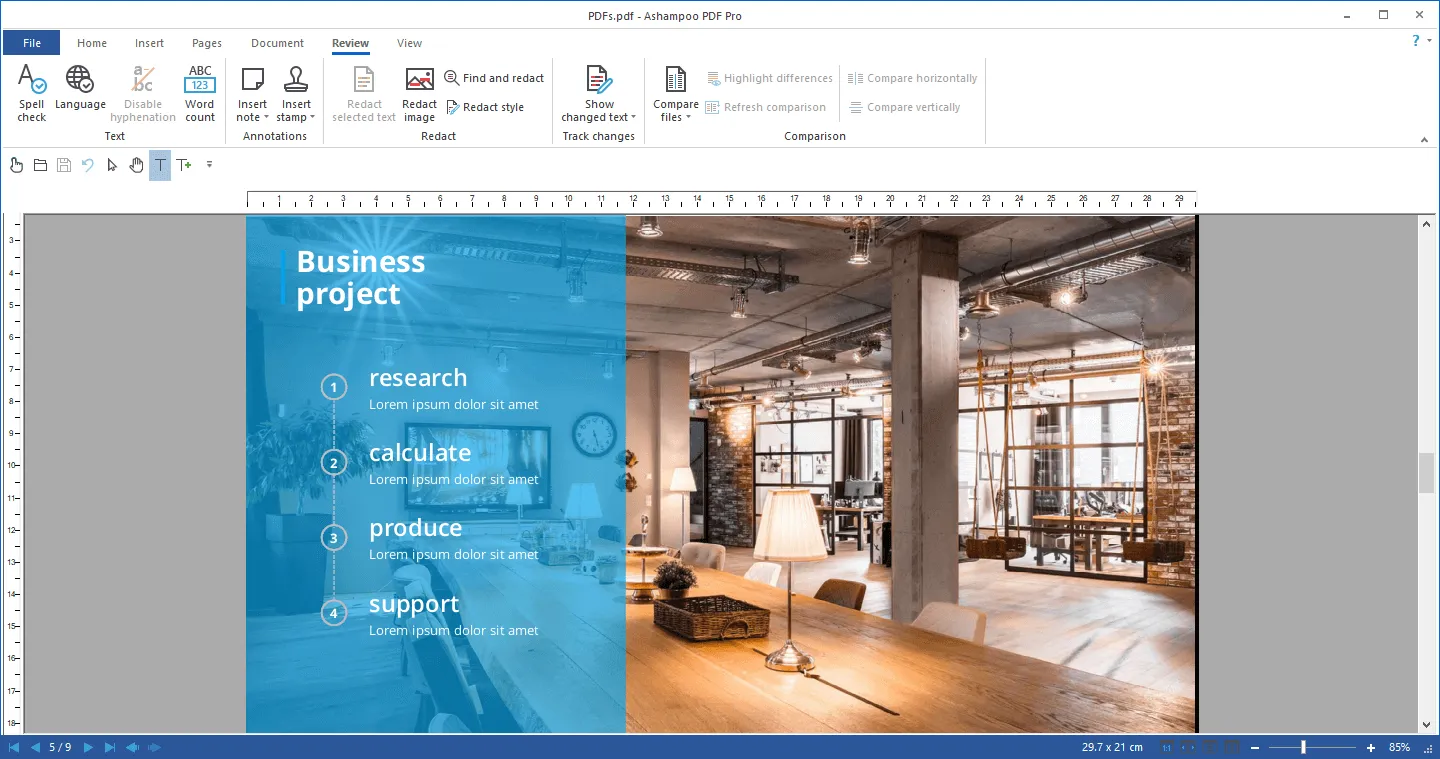
In all, Ashampoo PDF Pro increases workflow efficiency by offering a single platform for editing, converting, securing, and organizing PDFs. An intuitive interface makes the tasks easy, even for novice users, while advanced features meet business-class requirements. From adding notes to documents to comparing versions and filling out forms, users will find a simpler, more productive way to develop and manage their documents. The software reduces repetitive tasks and makes digital communication and collaboration even smoother.
Ashampoo PDF Pro Key Features
Explore this article
Ashampoo PDF Pro IntroductionFull PDF creation and editing capabilitiesAdvanced text and layout controlSecure protection of documentsOCR and Scan Optimization ToolsFormat Conversion and Export OptionsSmoothened work processes and increased productivity.Ashampoo PDF Pro Key FeaturesAshampoo PDF Pro Requirements
Edit PDFs fully, including text, images, and layout
OCR technology to convert scanned documents into editable text
Secure encryption, password protection, and digital signatures
Create PDFs from any printable document
Convert file formats: PDF to Word, Excel, HTML, etc
Page management tools: merge, split, reorder, delete
Create and edit forms; forms are automatically recognized
Compare PDF documents for changes
Compress and optimize PDFs for smaller file sizes
User-friendly interface, fast navigation, and editing capabilities
Ashampoo PDF Pro Requirements
| Operating System | : Windows All (32-bit, 64-bit) |
| CPU (Processor) | : Dual-core 1.5 GHz or faster |
| RAM (Memory) | : 4 GB RAM (recommended 8GB) |
| Free Disk Space | : At least 1 GB of free space |
Related posts:



Report

