Automatically back up files, partitions, or the entire system with flexible schedules

| Name | Ashampoo Backup Pro |
|---|---|
| Publisher | Ashampoo |
| Genre | Backup & Recovery |
| Size | 207.00 MB |
| Version | 27.5.36 |
| Update | December 21, 2025 |
| Full Version |
Screenshots

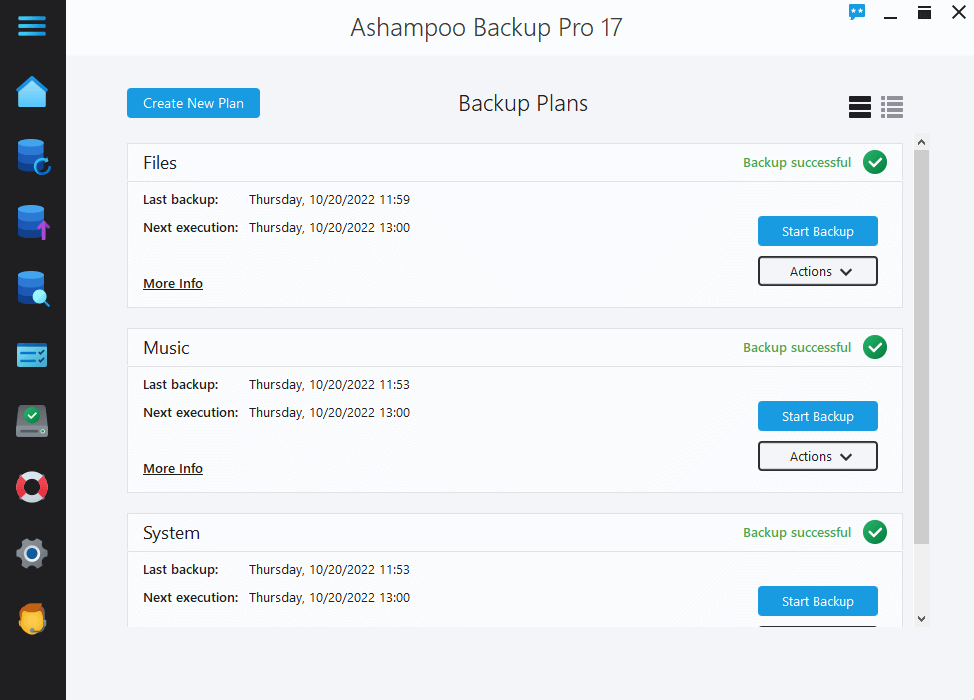

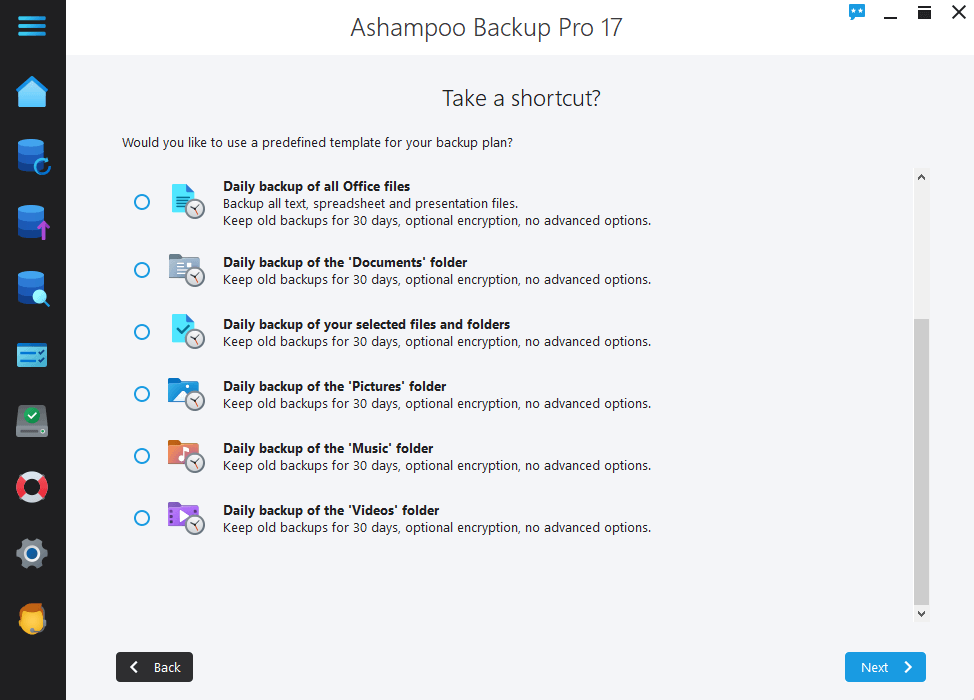
Ashampoo Backup Pro is the leading Windows backup software that offers modern, fast and reliable data protection. It is designed for users who want smart and comprehensive backups with minimal effort. The program allows you to create complete system backups, including the operating system, applications, files and settings, and offers flexible options such as incremental, differential and real-time backups to save space and capture every change instantly. Its intuitive interface helps users easily create backup plans and offers advanced settings.
FEATURES OF ASHAMPOO BACKUP PRO
REAL-TIME BACKUP WITH AUTOMATIC FILE MONITORING
Ashampoo Backup Pro offers the latest real-time backup technology that continuously monitors selected critical folders for file changes. This feature allows backups to be updated instantly and automatically when changes occur, ensuring that all your latest data is securely stored without manual intervention. Users can choose which folders to monitor individually, providing customizable, hands-free protection that eliminates the worry of missing the latest file updates. This technology ensures that your backups are always up-to-date and complete, which is especially important in preventing data loss in the event of an unexpected crash or system crash.
SPACE-SAVING FILE STORAGE AND MULTIPLE BACKUP OPTIONS
The software supports a wide range of backup locations, including external hard drives, USB drives, network-attached storage (NAS), and popular cloud services. Using advanced “infinite reverse incremental” backup technology, Ashampoo Backup Pro significantly reduces storage space requirements compared to traditional methods, reducing backup sizes by up to 50%. This method saves disk space by gradually saving changes after the initial full backup. Backup compression options further increase storage efficiency. This flexibility and technology allow users to customize their backup strategy, balancing space savings with data security.
ALL-IN-ONE PROTECTION WITH HARD DRIVE HEALTH MONITORING
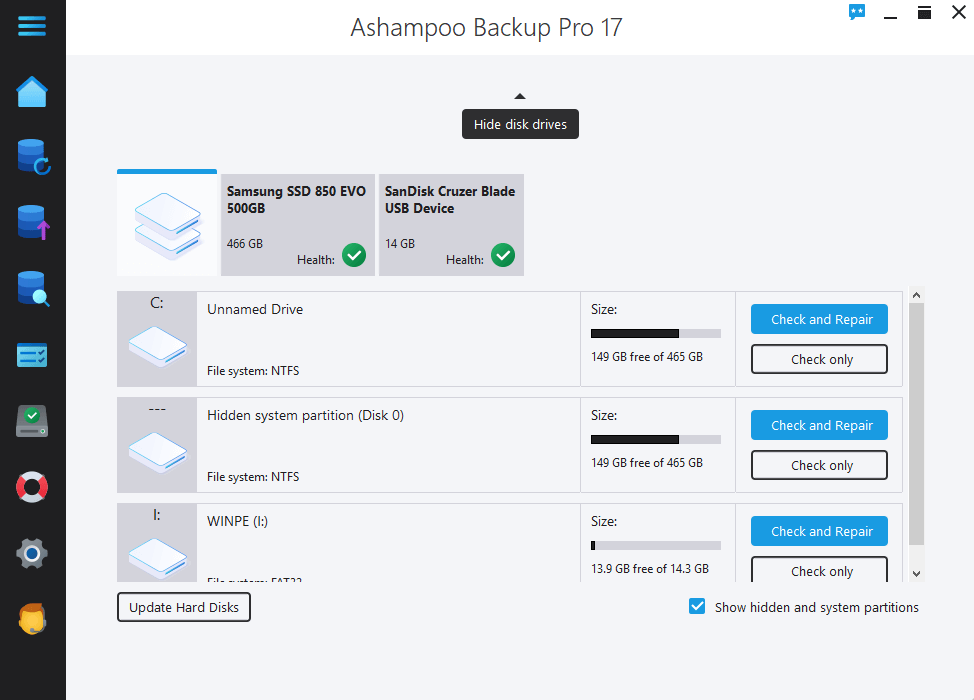
Recognizing that the security of your backups depends on the reliability of your storage media, Ashampoo Backup Pro continuously monitors the SMART (Self-Monitoring, Analysis, and Reporting Technology) status of your hard drive. This proactive monitoring detects early signs of disk failure, giving you crucial time to prevent data loss. In addition, the program checks the integrity of the disk and partitions, automatically scanning and repairing bad sectors when possible. This sophisticated approach ensures that your backup location remains secure, your stored backups are accessible and intact, and your overall data security is strengthened.
LOW SYSTEM IMPACT WITH SMART RESOURCE MANAGEMENT
Explore this article
FEATURES OF ASHAMPOO BACKUP PROREAL-TIME BACKUP WITH AUTOMATIC FILE MONITORINGSPACE-SAVING FILE STORAGE AND MULTIPLE BACKUP OPTIONSALL-IN-ONE PROTECTION WITH HARD DRIVE HEALTH MONITORINGLOW SYSTEM IMPACT WITH SMART RESOURCE MANAGEMENTPOWERFUL RESCUE SYSTEM AND SYSTEM-LEVEL BACKUPSTRONG ENCRYPTION AND BACKUP ASSURANCE FOR SECURITYRequirements
Unlike many backup programs that significantly slow down your computer during backup operations, Ashampoo Backup Pro is designed to have a minimal impact on performance. The software intelligently monitors your computer’s workload and only activates the backup process when there is sufficient resources, ensuring smooth multitasking. This basic functionality allows users to work without noticeable slowdowns or interruptions, making it suitable for both everyday use and intensive backups. Its efficiency allows you to create backups without compromising your system’s responsiveness.
POWERFUL RESCUE SYSTEM AND SYSTEM-LEVEL BACKUP
Ashampoo Backup Pro includes a next-generation rescue system that allows users to create bootable recovery media (such as DVDs or USB drives). This feature is essential for recovering the entire system partition and operating system in the event of a system failure when Windows won’t boot. The software supports full disk backups, including all system files and applications, and provides complete recovery from hardware failure or malware attacks. This level of protection is essential for individuals and businesses looking for more than just a simple file backup, and also provides guaranteed system recovery.
STRONG ENCRYPTION AND BACKUP ASSURANCE FOR SECURITY
To protect your data from unauthorized access, Ashampoo Backup Pro uses AES-256 encryption, one of the most secure encryption standards available today. Backups can be password-protected and encrypted, protecting sensitive information during storage and transmission. For added integrity, the program automatically checks and repairs backup files after they are created to ensure data integrity. Users can customize authentication settings to achieve the optimal balance between backup speed and data security, helping to maintain a secure, tamper-proof backup archive.
Requirements
Operating System: Windows All (32-bit, 64-bit)
Processor: 1 GHz or faster processor
RAM: 1 GB or more
Hard Disk: 200 MB free hard disk space or more
Related posts:



Report

